
Creating Your Account
Step 1: Creating Your Account
Getting started with WoWSQL is quick and easy. Follow these steps to create your account.
1.1 Visit the Signup Page
Navigate to https://app.wowsql.com/signup or click the "Sign Up" button on the homepage.
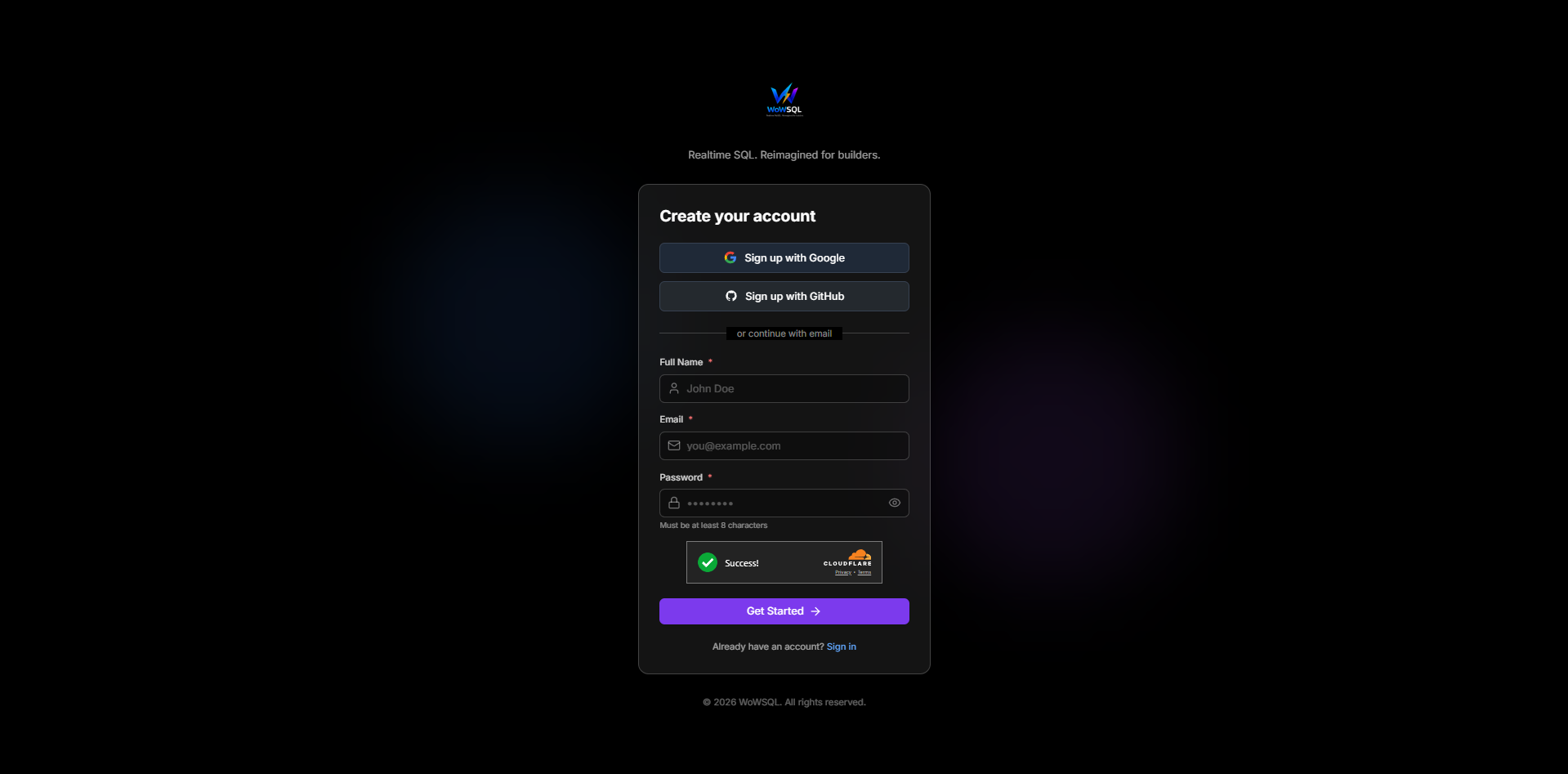
Figure 1.1: WoWSQL Signup Page
1.2 Fill in Your Information
Enter the following details:
- Full Name - Your display name
- Email Address - A valid email address (you'll need to verify it)
- Password - A strong password (minimum 8 characters)
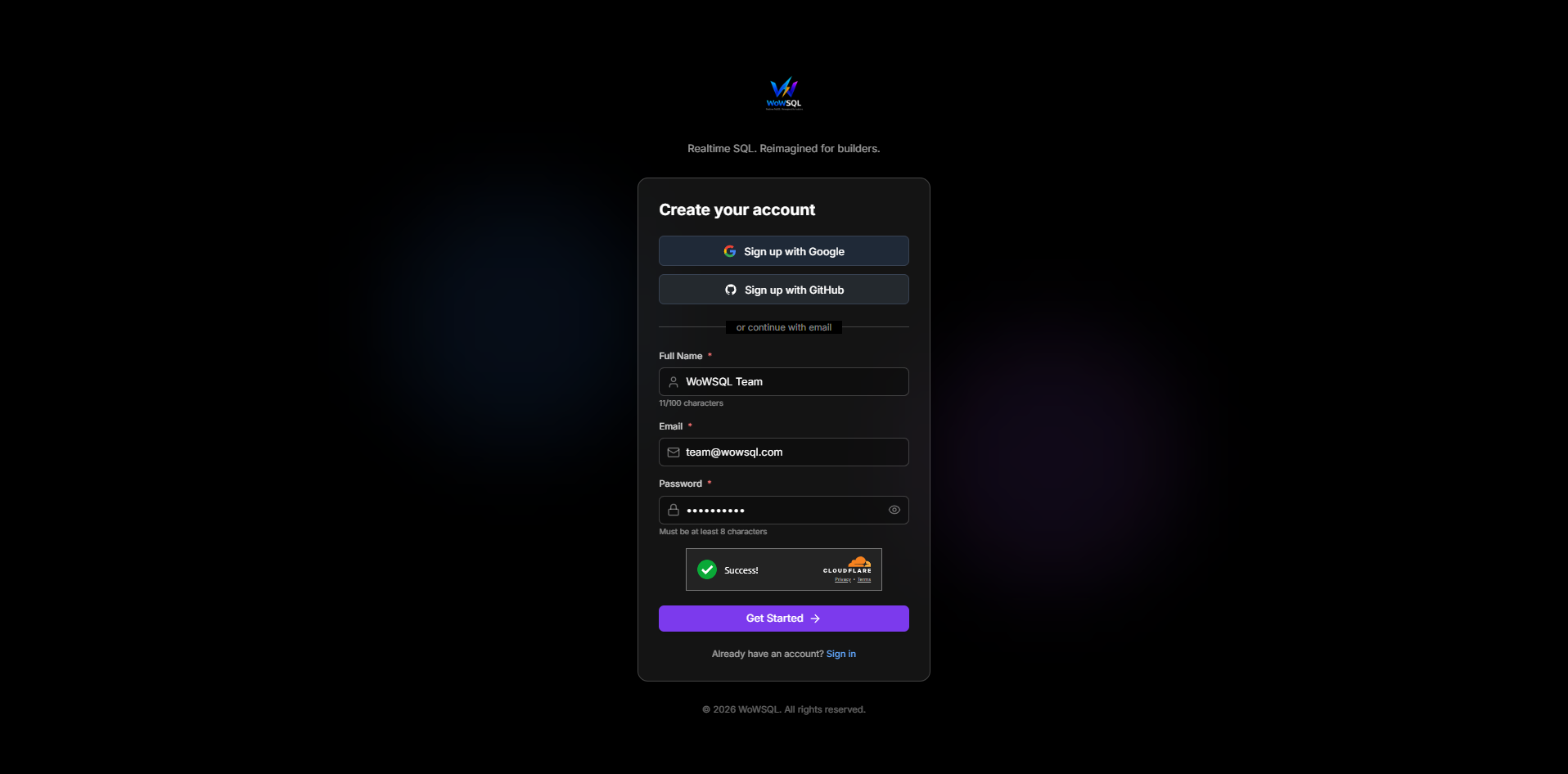
Figure 1.2: Signup Form
1.3 Complete Security Verification
Complete the security check (Cloudflare Turnstile) to verify you're not a bot.
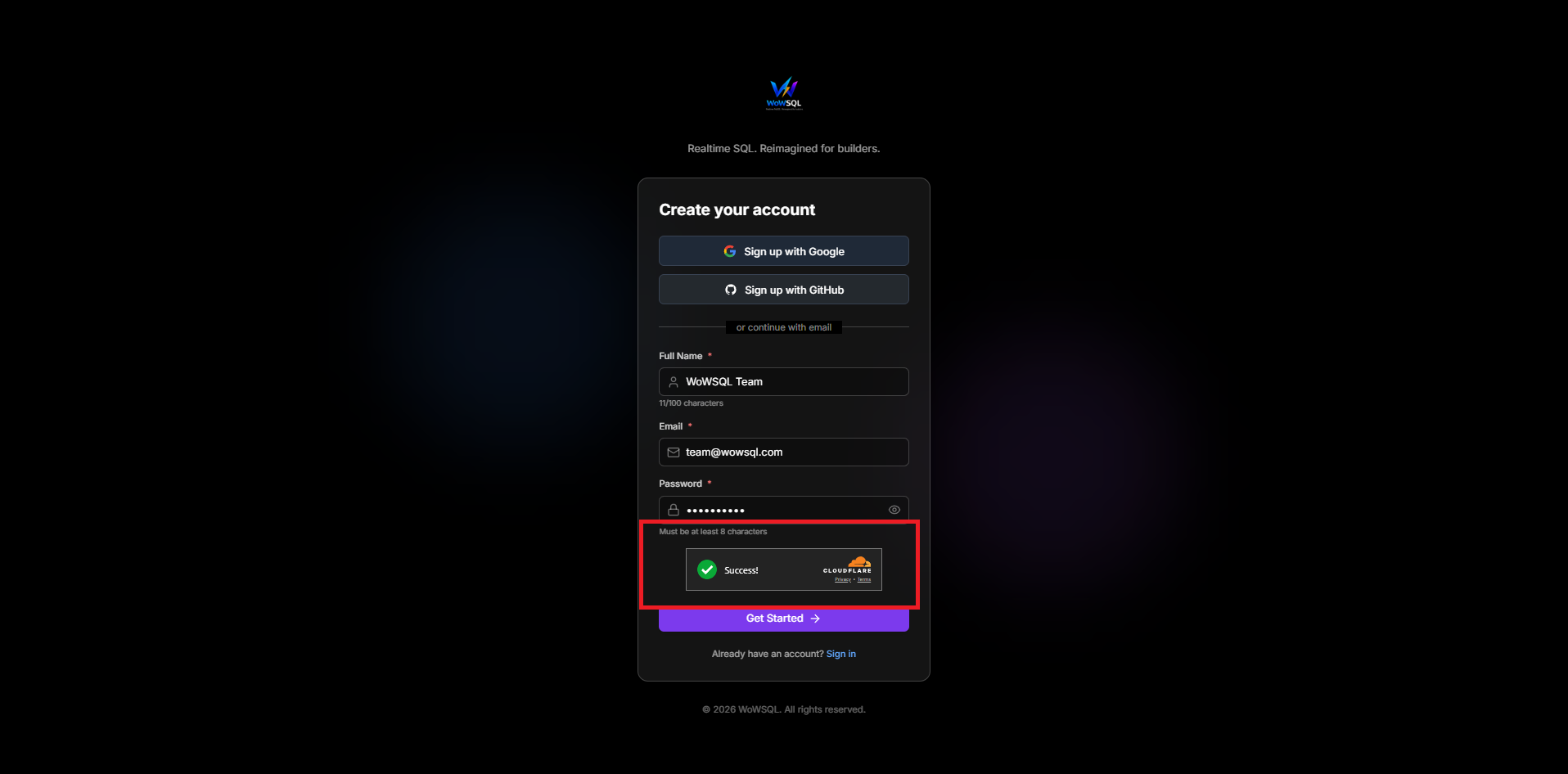
Figure 1.3: Security Verification
1.4 Verify Your Email
After signing up, check your email inbox for a verification email. Click the verification link to activate your account.
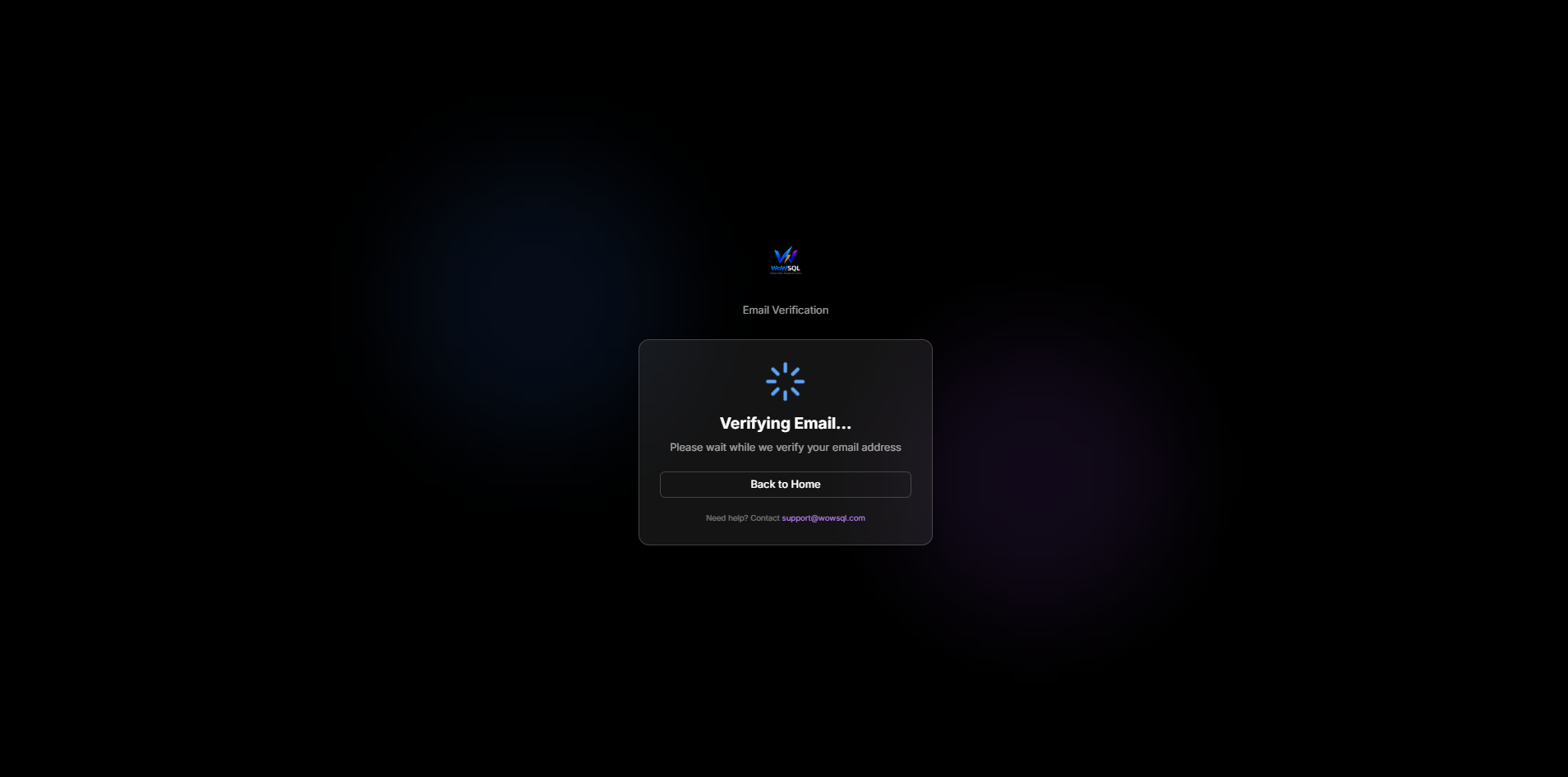
Figure 1.4: Email Verification
1.5 Account Created Successfully
Once verified, you'll be redirected to the dashboard. Your account is now active!
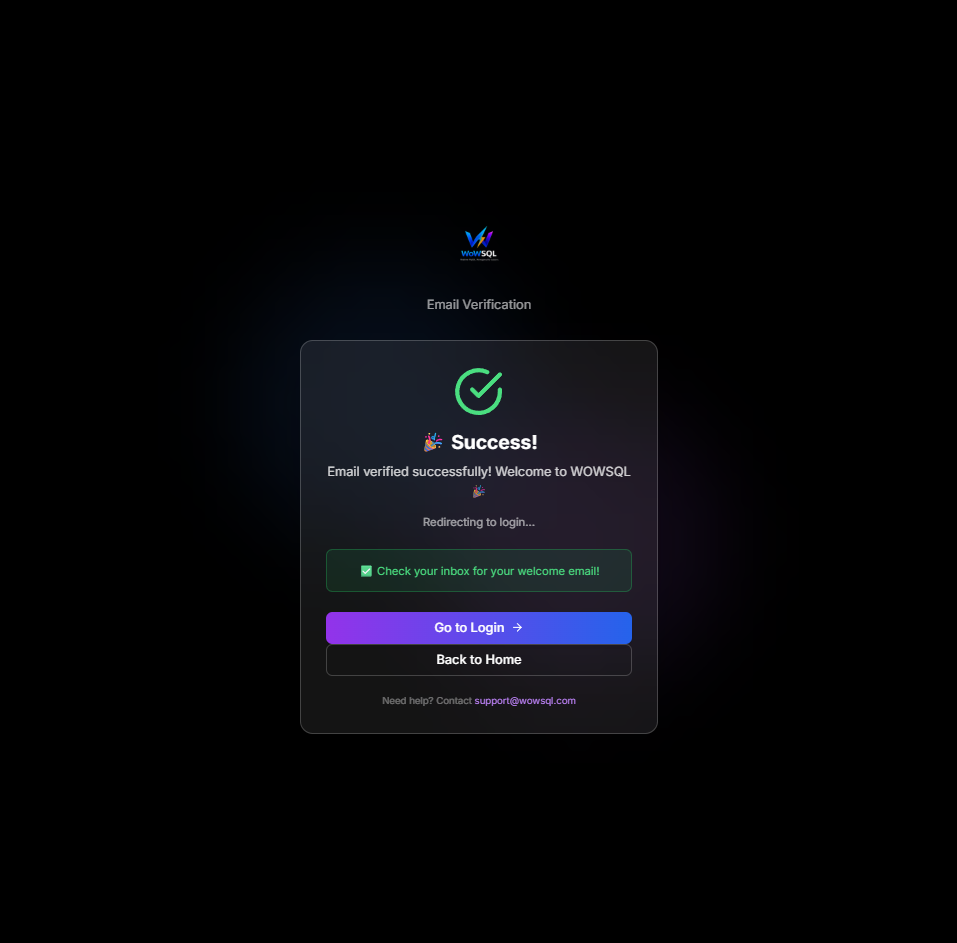
Figure 1.5: Account Created Successfully
",1,1,0,0,1,"2026-01-28 19:42:07","2026-01-28 19:59:33