
Working with Databases
Create tables, run queries, and manage your database schema through the WoWSQL dashboard.
5.1 Database Overview
Navigate to the Database section to see all your tables and database objects.
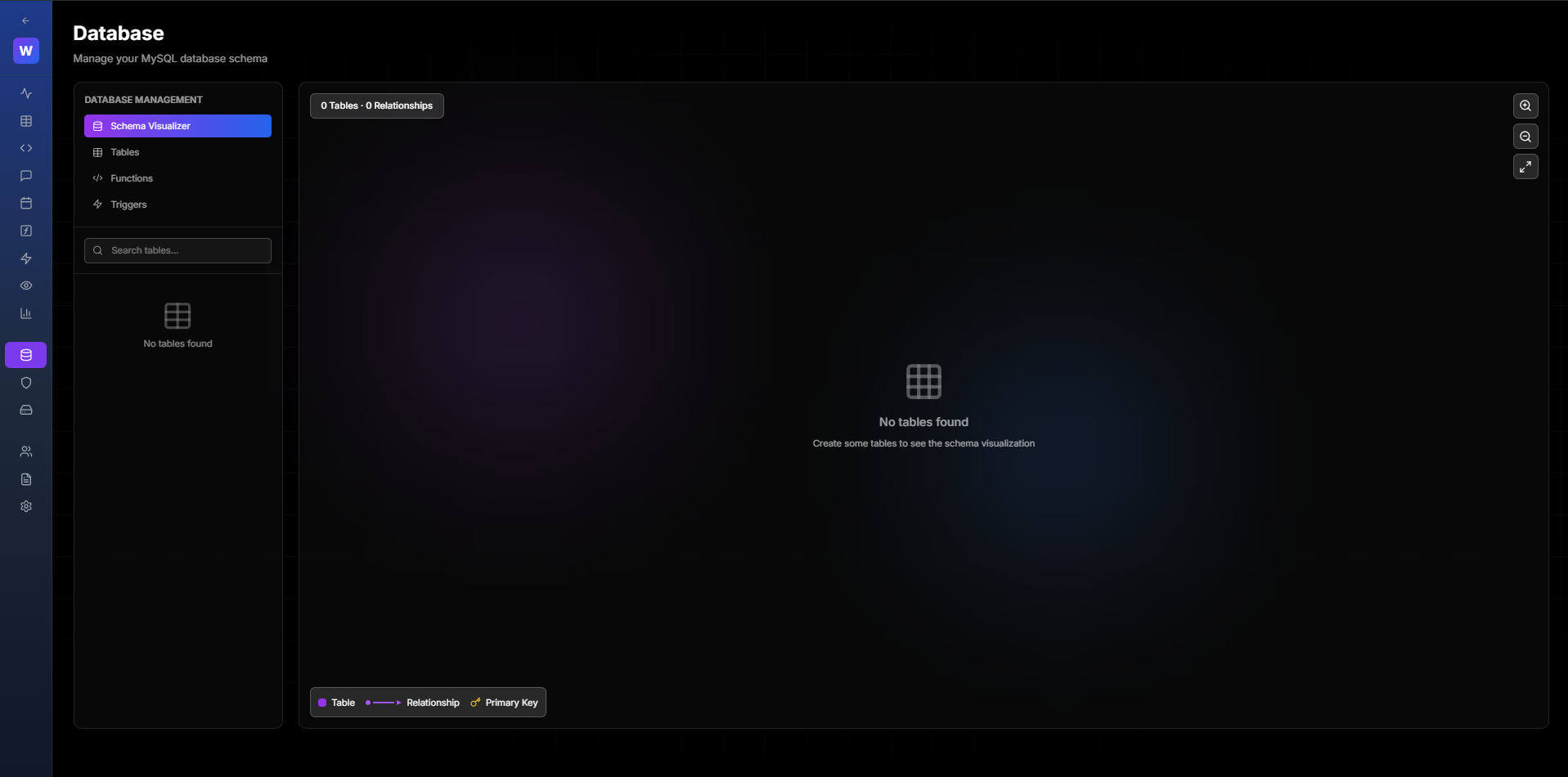
Figure 5.1: Database Overview
5.2 Creating a Table
Click "Create Table" to add a new table to your database.
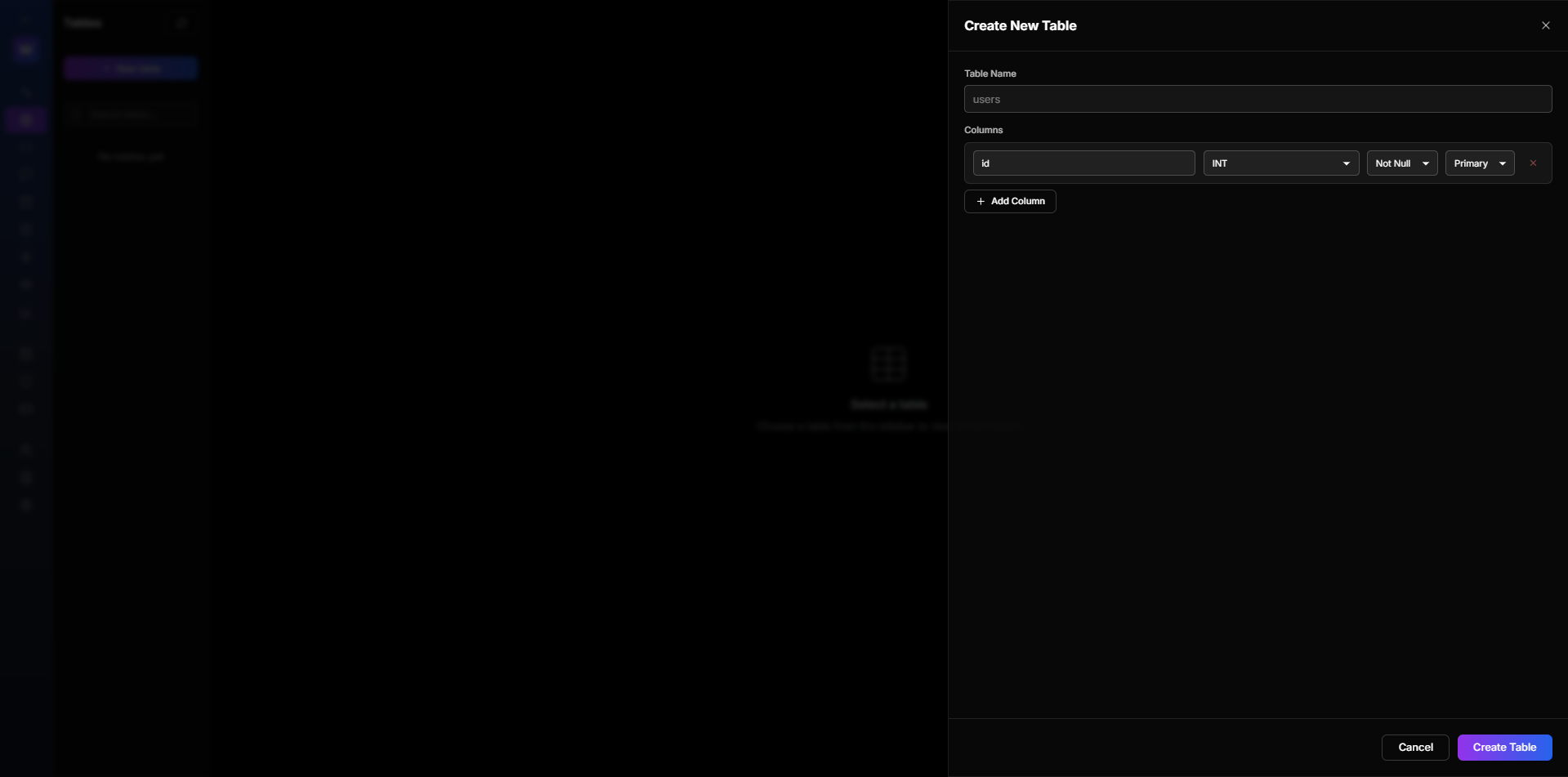
Figure 5.2: Create Table Button
5.3 Table Schema Builder
Use the visual schema builder to define your table:
- Table name
- Columns with data types
- Primary keys
- Indexes
- Foreign keys
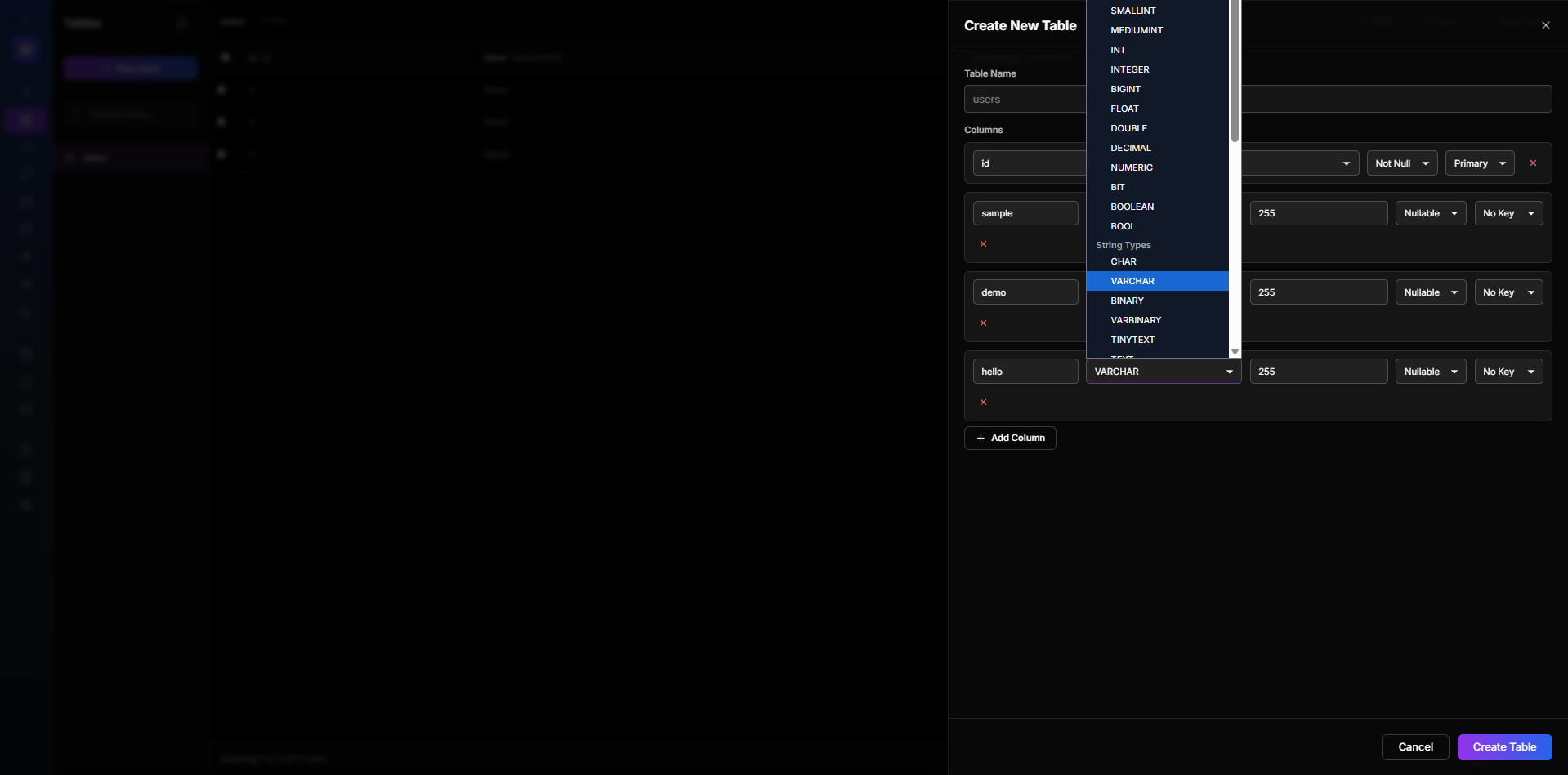
Figure 5.3: Table Schema Builder
5.4 Adding Columns
Add columns to your table with the following options:
- Column name
- Data type (INT, VARCHAR, TEXT, TIMESTAMP, etc.)
- Nullable/Not Null
- Default value
- Auto increment
- Unique constraint
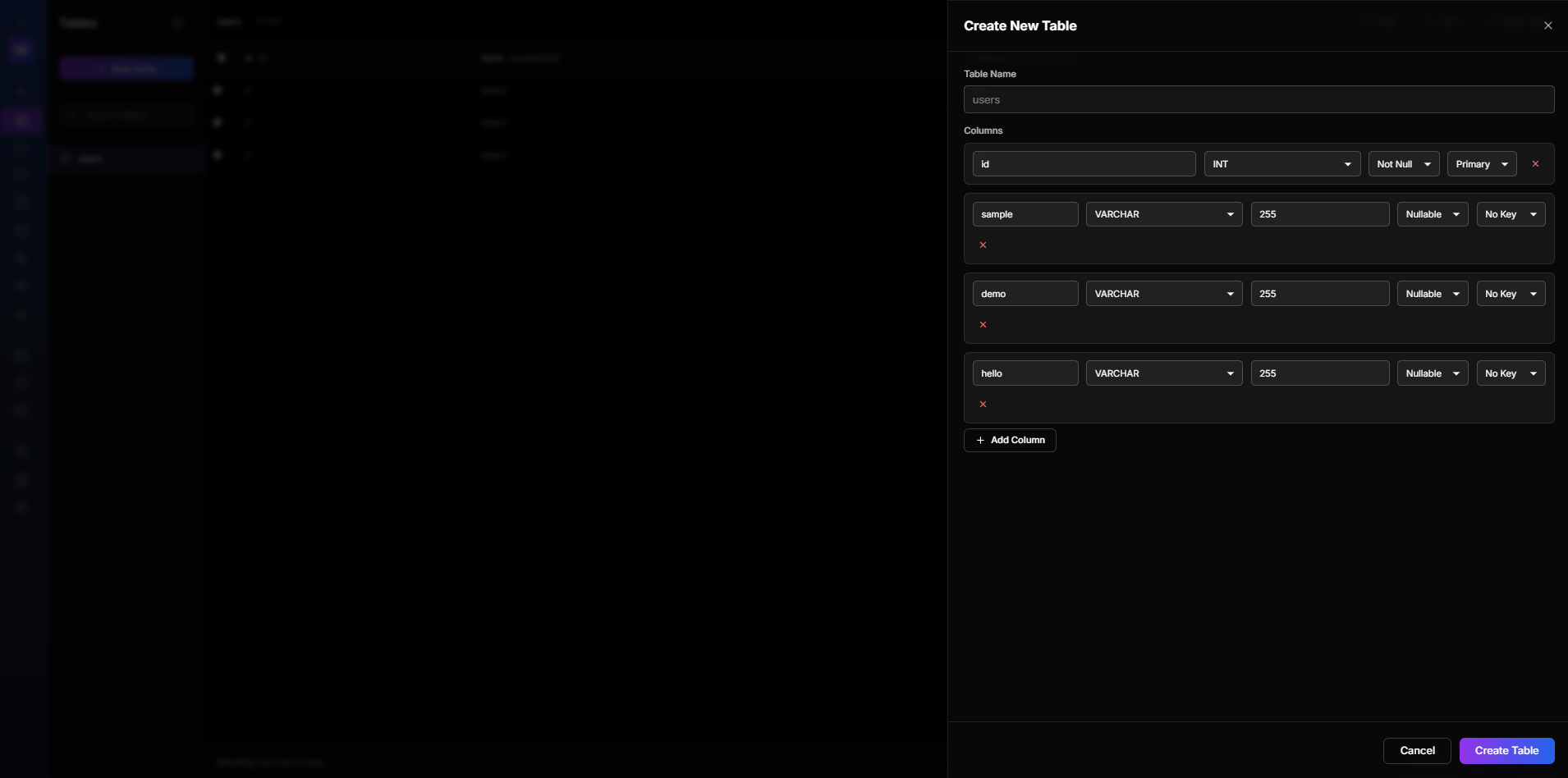
Figure 5.4: Adding Columns
5.5 Table Created
After creating your table, it appears in the tables list with instant REST API endpoints.
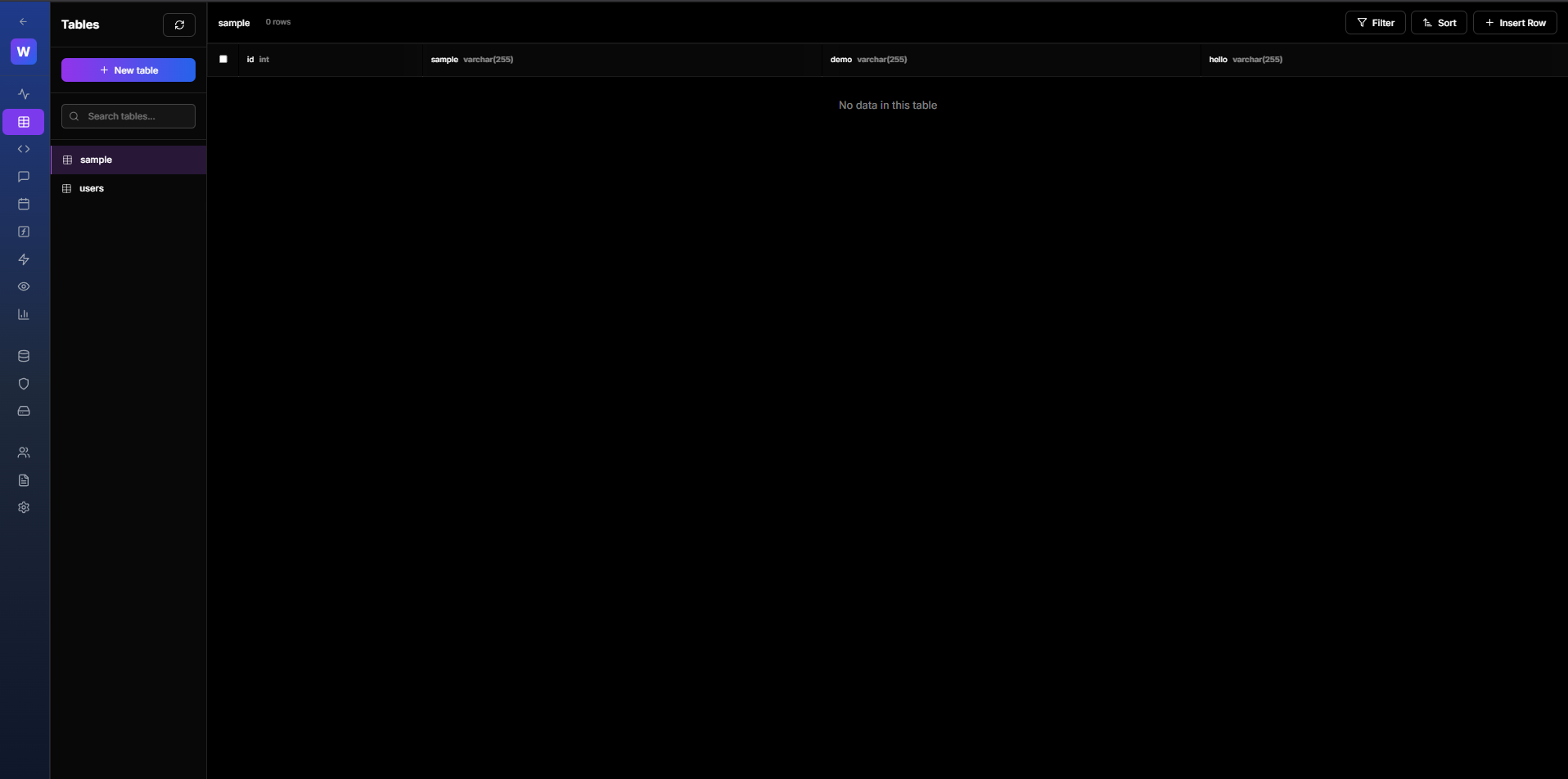
Figure 5.5: Table Successfully Created
5.6 Viewing Table Data
Click on any table to view and manage its data. You can:
- Browse records
- Filter and search
- Edit records
- Delete records
- Export data
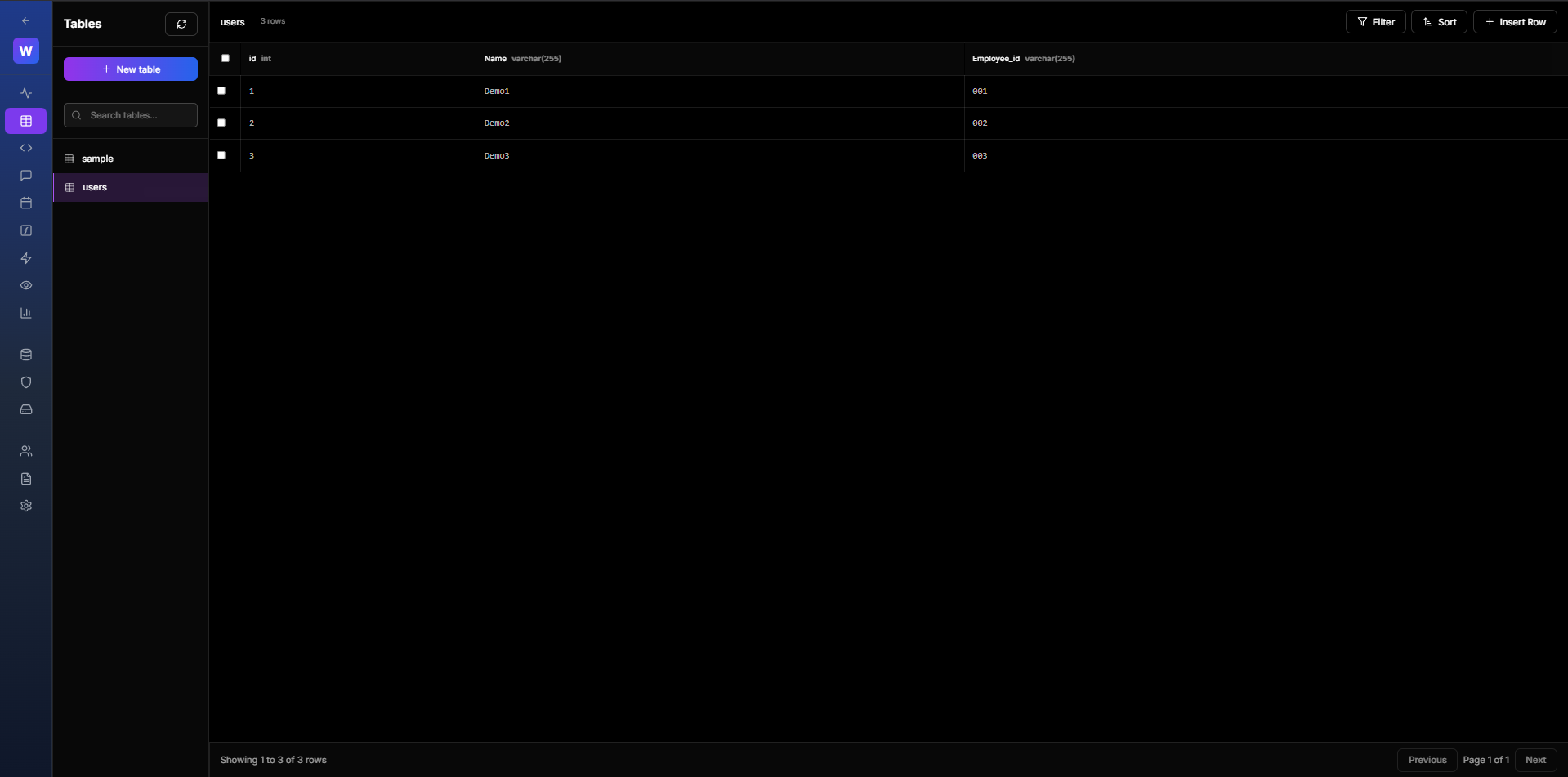
Figure 5.6: Viewing Table Data
5.7 SQL Editor
Use the SQL Editor to run custom queries:
- Write SQL queries
- View query results
- Export results
- Save frequently used queries
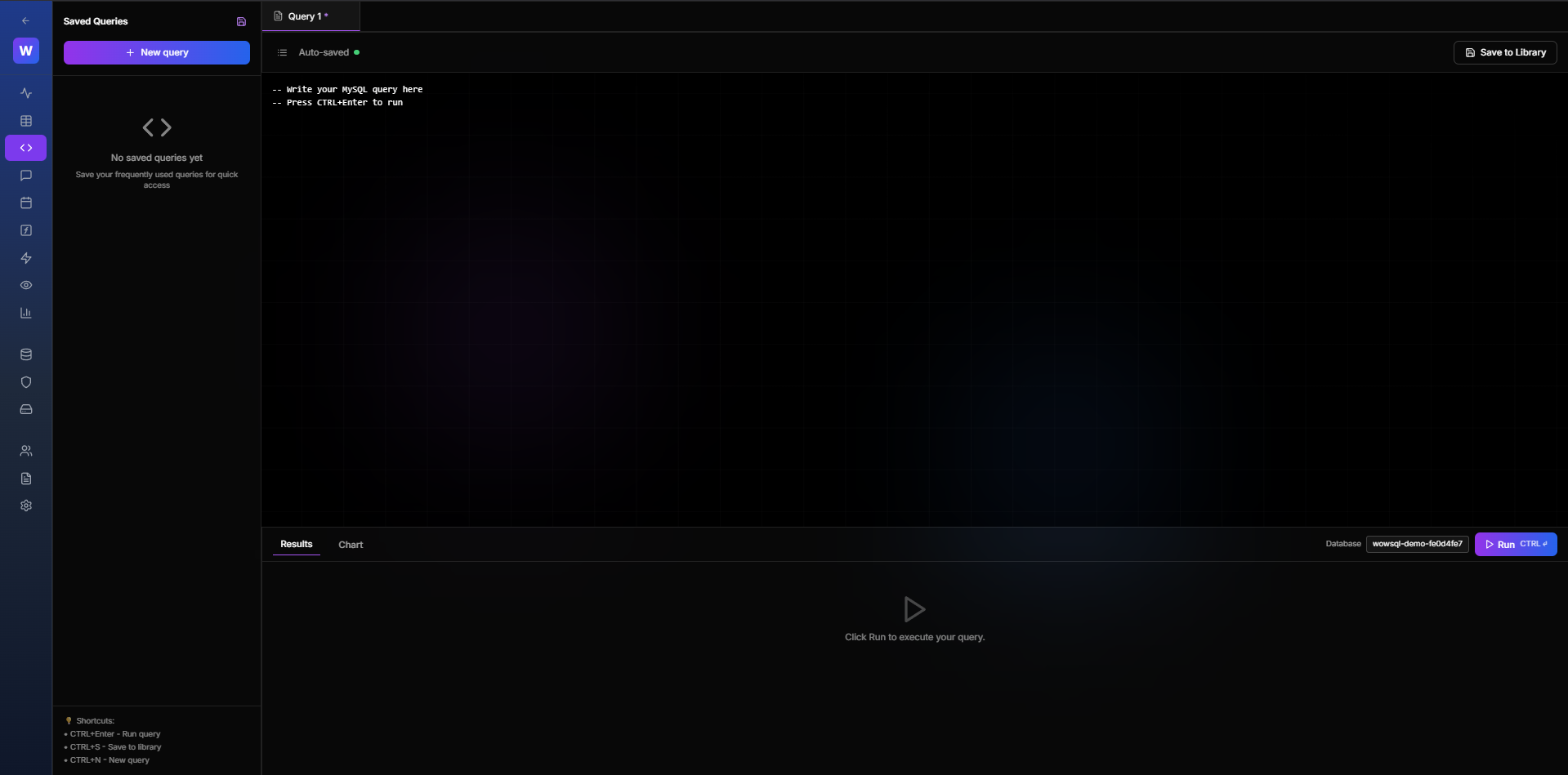
Figure 5.7: SQL Editor
5.8 Table Settings
Manage table settings:
- Rename table
- Add/modify columns
- Create indexes
- Set up relationships
- View table statistics
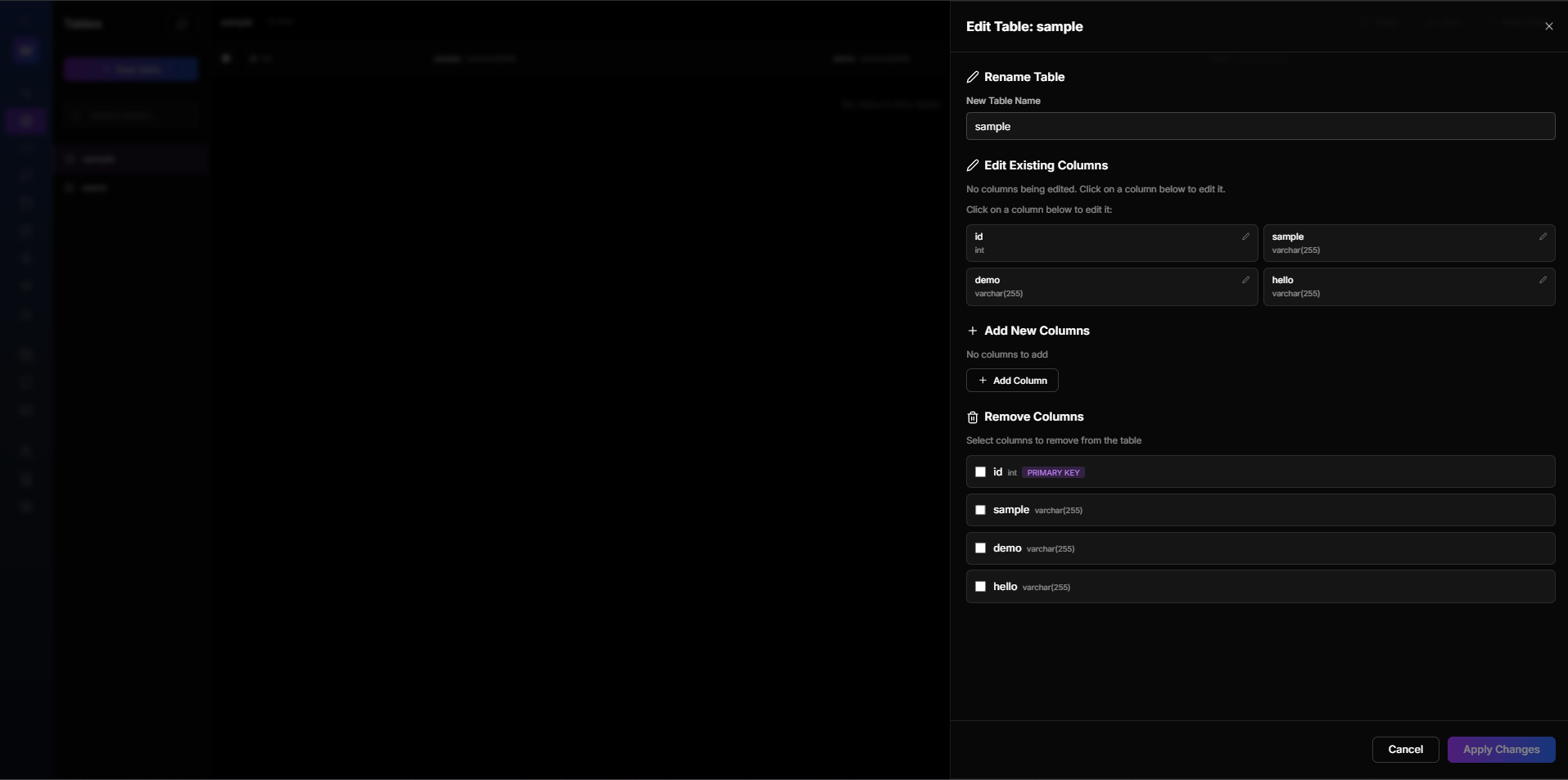
Figure 5.8: Table Settings
",5,1,0,0,1,"2026-01-29 16:22:05","2026-01-29 16:22:24