
Setting Up Authentication
Enable authentication for your project to manage user accounts, sessions, and security.
6.1 Authentication Overview
Navigate to the Authentication section to enable and configure auth for your project.
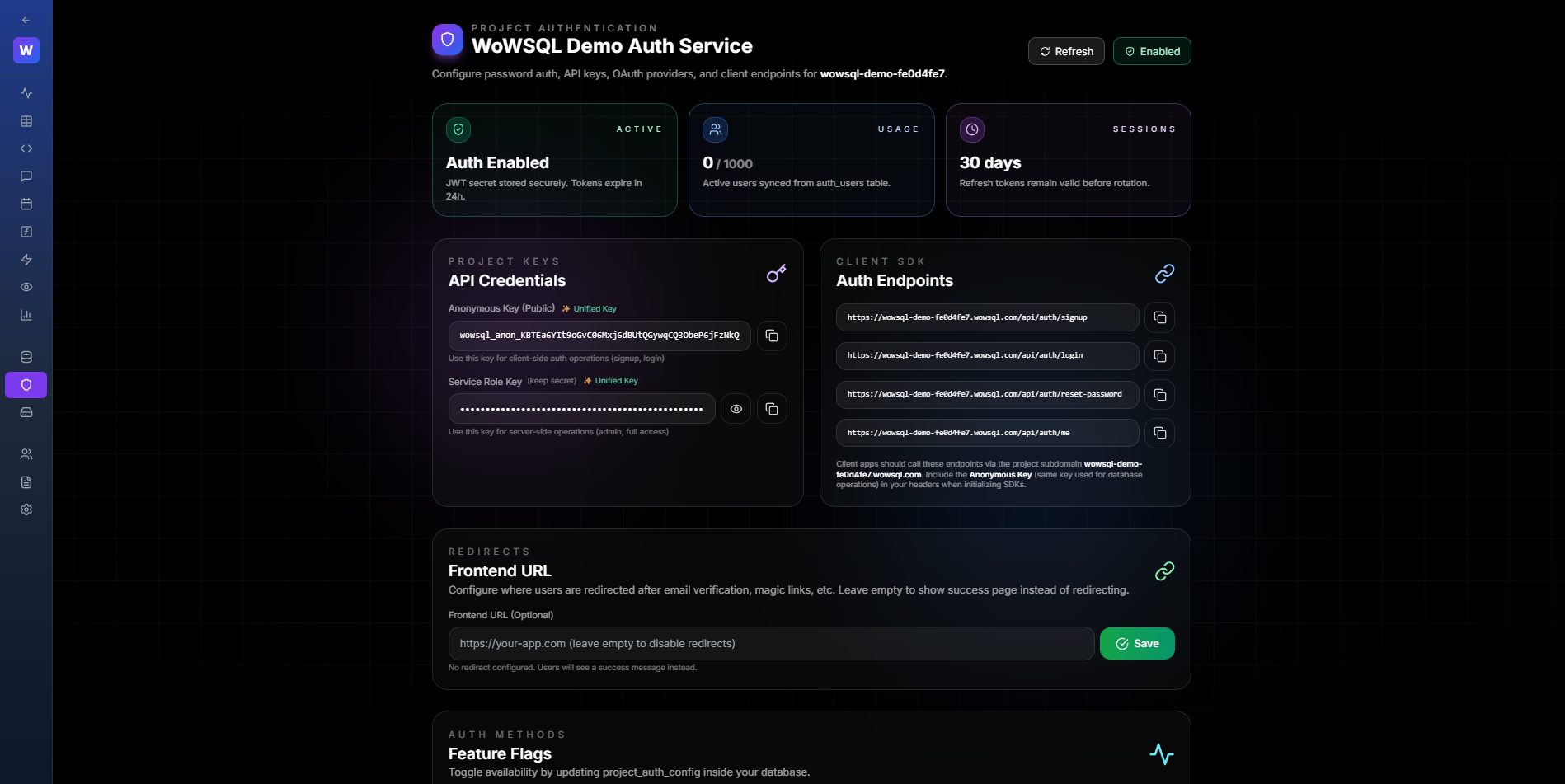
Figure 6.1: Authentication Overview
6.2 Enable Authentication
Click "Enable Authentication" to start the setup process.
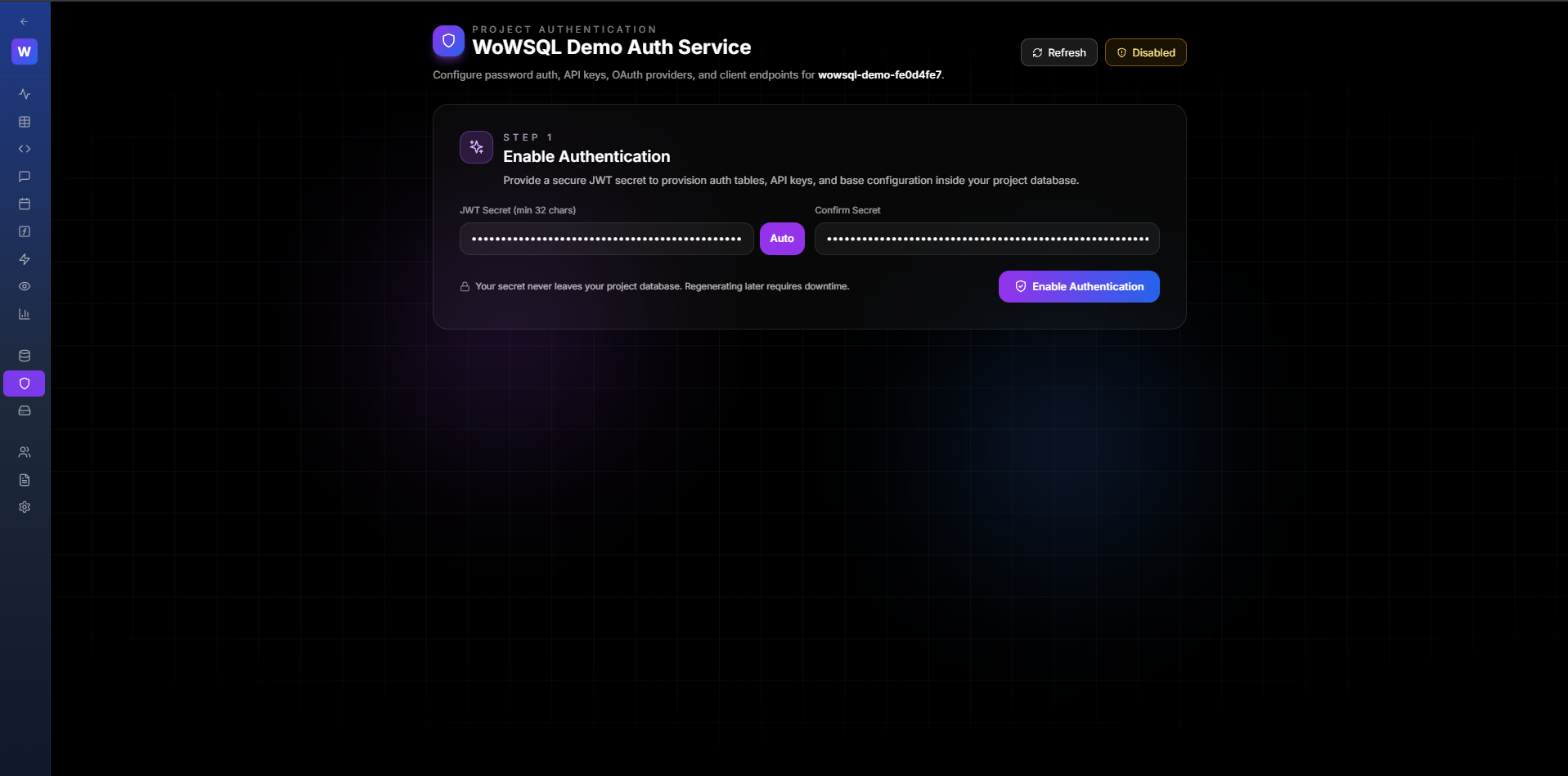
Figure 6.2: Enable Authentication
6.3 Configure JWT Secret
Set up your JWT secret key for token signing. This should be a secure random string (minimum 32 characters).
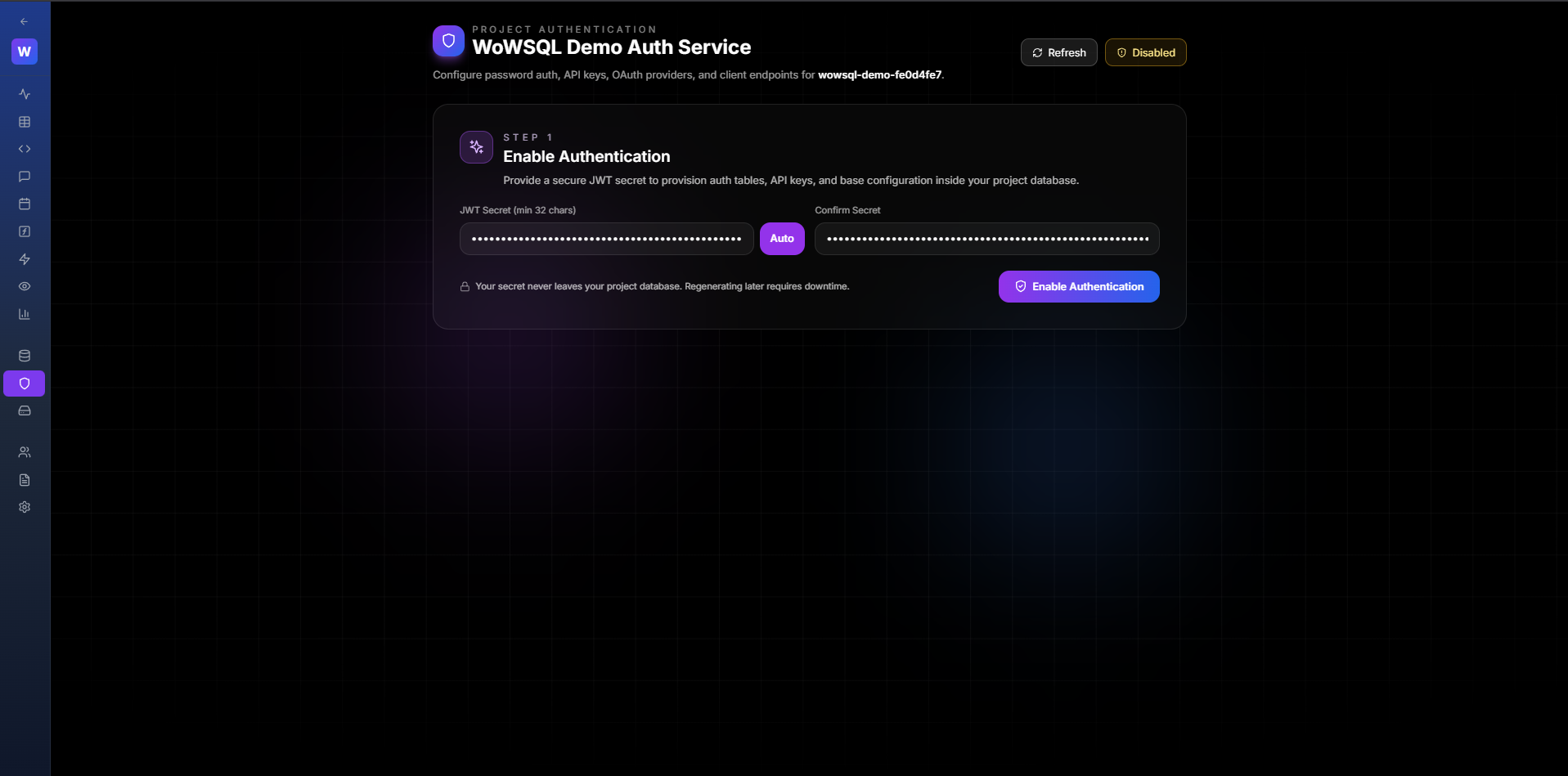
Figure 6.3: JWT Secret Configuration
6.4 Configure OAuth Providers
Set up OAuth providers (Google, GitHub, etc.) by providing:
- Client ID
- Client Secret
- Redirect URI
- Scopes
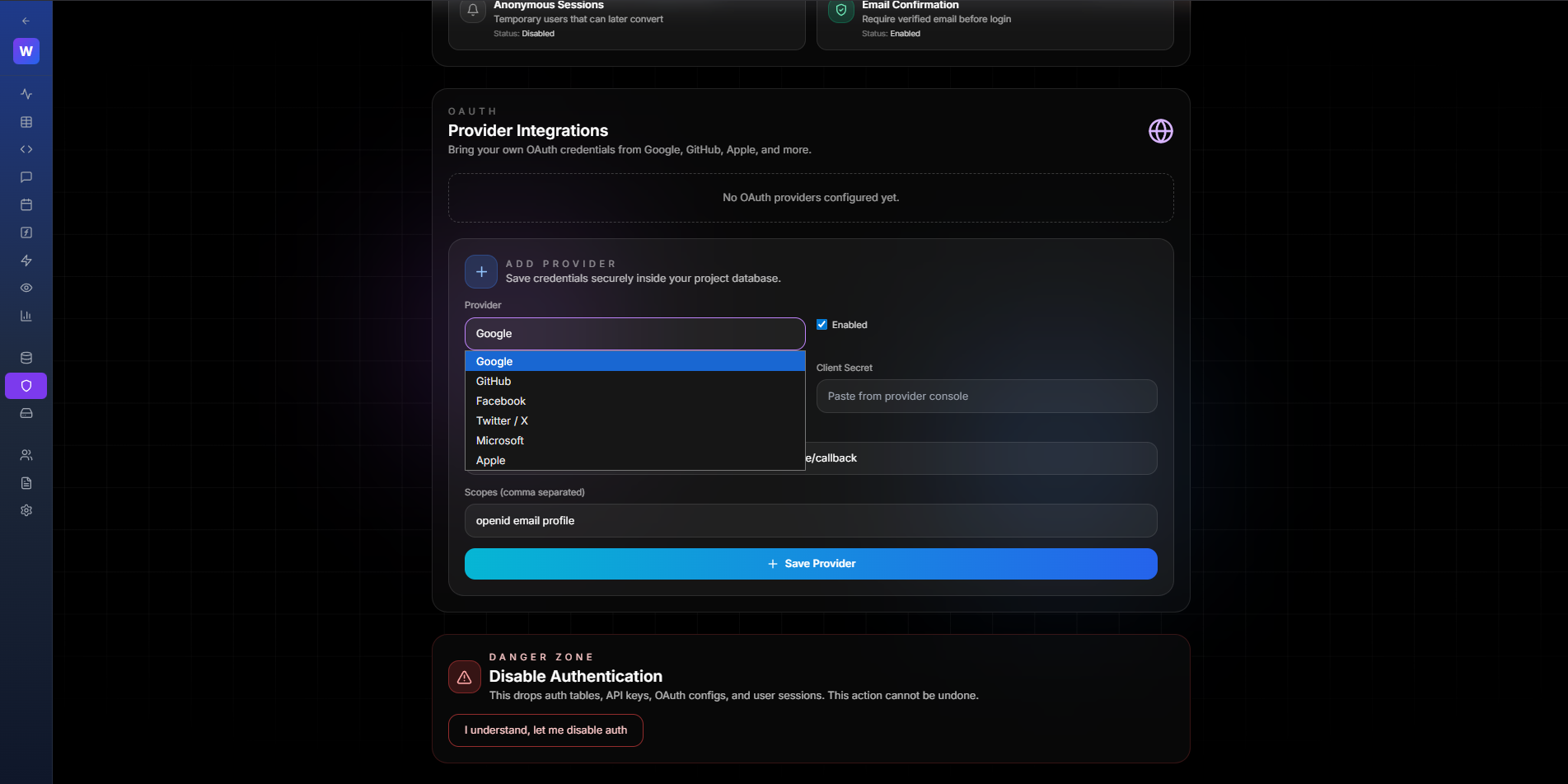
Figure 6.4: OAuth Provider Configuration
6.5 Authentication Enabled
Once enabled, authentication tables are created and you can start managing users.
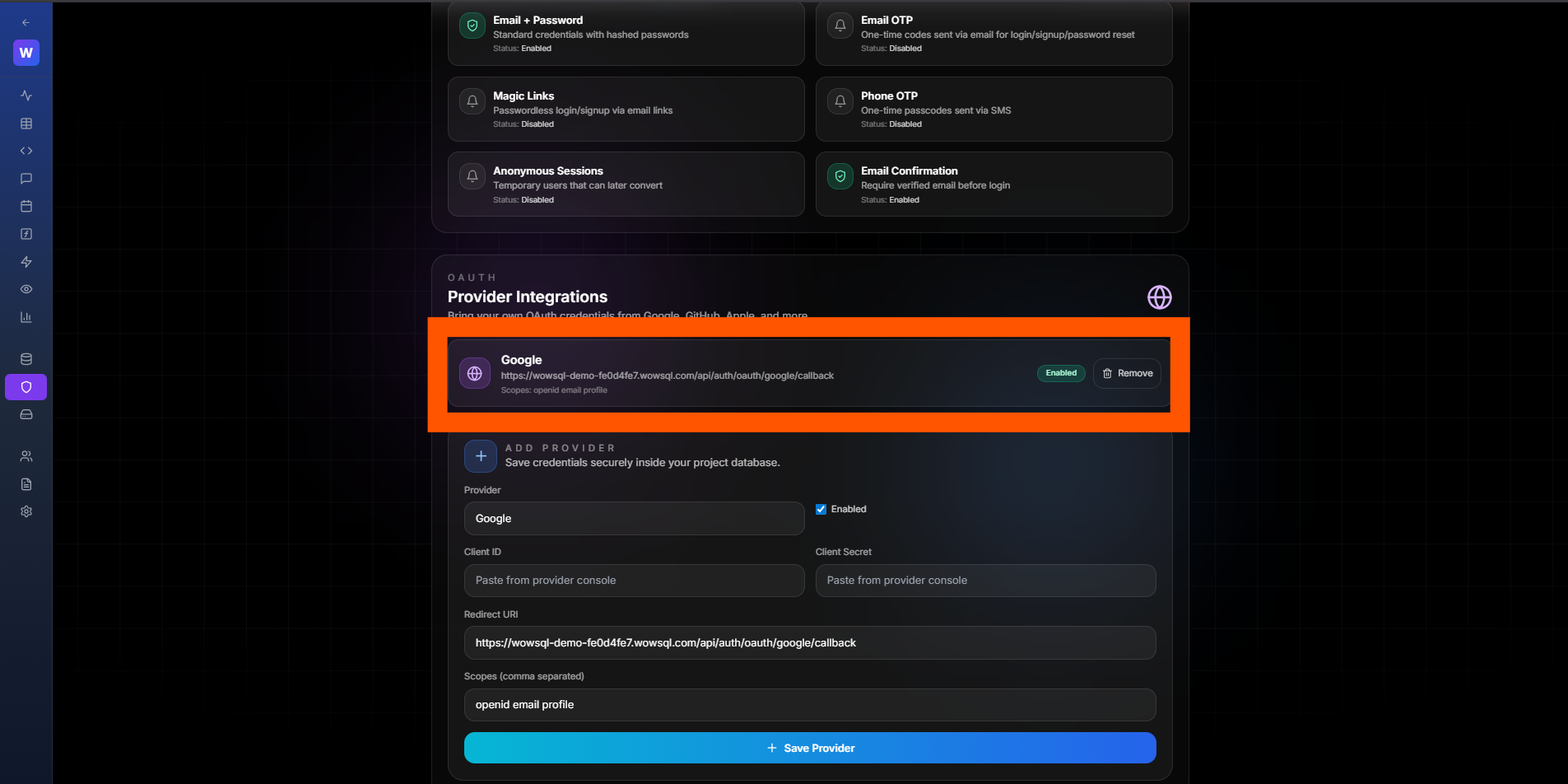
Figure 6.5: Authentication Successfully Enabled
",6,1,0,0,1,"2026-01-29 16:40:13","2026-01-29 16:49:34